
How Professional Printers Achieve Perfect Color
One of the most common concerns creators have before printing their work is simple:
“Will the colors look the same as they do on my screen?”
The honest answer is that color reproduction in print is a complex process. Screens emit light, while paper reflects it. Because of this fundamental difference, achieving consistent and accurate color requires careful preparation and professional workflow.

BlueNorth Press
Professional High-Quality Printing
INTRODUCTION
Professional printers don’t rely on guesswork. They follow a series of steps designed to ensure the printed result matches the creator’s vision as closely as possible.
Let’s explore how this process works.
The First Step: Working in the Right Color Space
One of the most common mistakes in print preparation happens long before the printing process even begins.
Most screens display color using RGB (Red, Green, Blue).
However, printing presses use CMYK (Cyan, Magenta, Yellow, Black).
These two systems reproduce color very differently.
RGB can display a wider range of bright colors, while CMYK is limited by the physical properties of ink on paper.
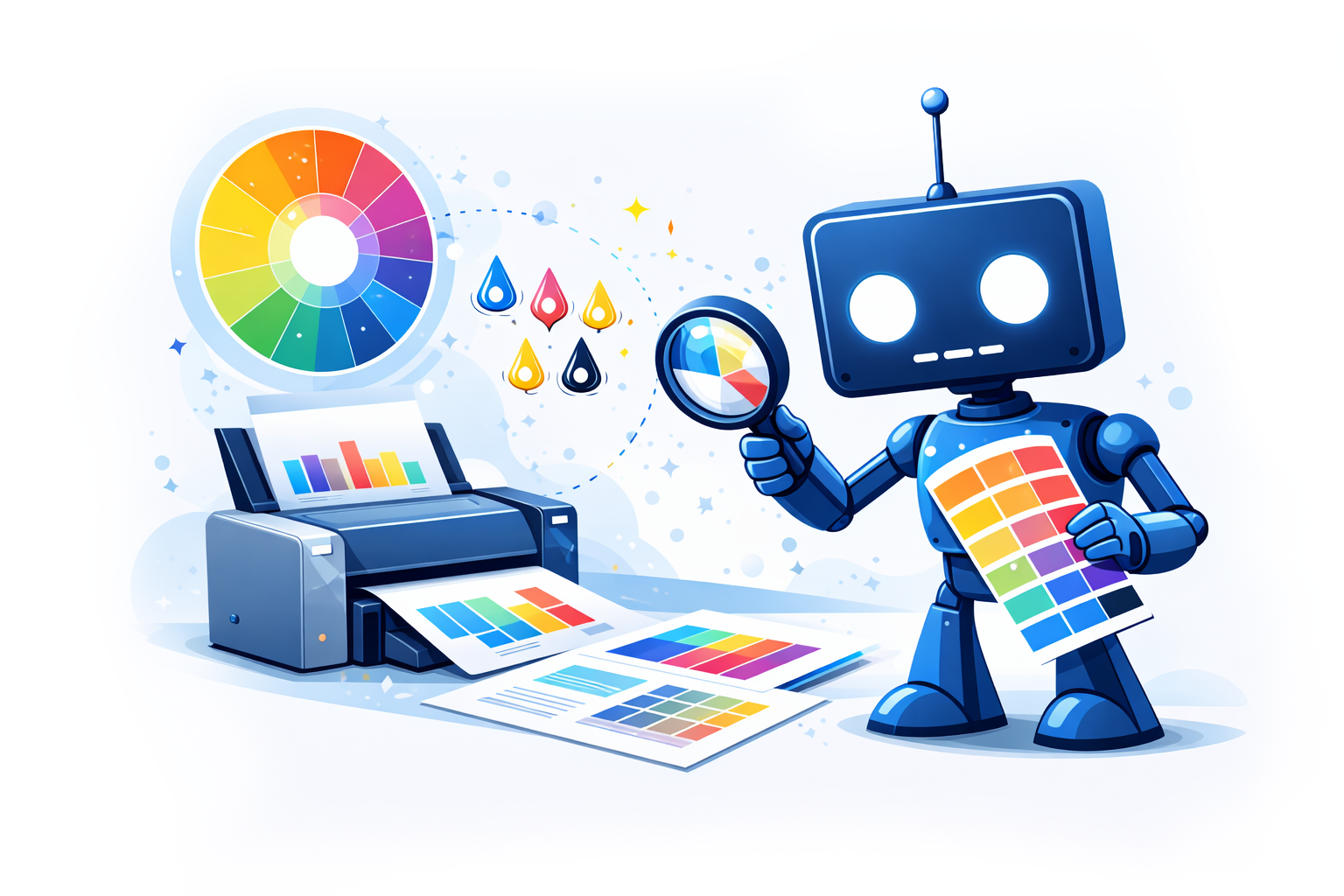
Professional printers convert files carefully from RGB to CMYK using calibrated color profiles.
This ensures the colors are translated correctly rather than simply shifting unpredictably during printing.
Some of the most widely used CMYK profiles in professional printing include:
FOGRA39 (ISO Coated v2)
One of the most common profiles used in European commercial printing. It is designed for coated papers and provides reliable color reproduction for high-quality print projects.
GRACoL 2006 / GRACoL 2013
Widely used in North America, especially for commercial printing and publishing. GRACoL profiles are designed to maintain consistent color reproduction across different printing facilities.
SWOP (U.S. Web Coated SWOP)
Historically common in magazine and web offset printing in the United States. While still used in some workflows, it has largely been replaced by newer GRACoL standards.
Japan Color 2001 / Japan Color 2011
Commonly used in Japanese printing workflows and designed for coated paper printing conditions.
Because printing conditions vary between regions, printers typically recommend using the profile that best matches their equipment and paper stock.
For creators preparing files for print, it is always best to confirm with the printer which color profile they prefer before exporting final files.
Color Profiles and Calibration
To maintain consistency, professional printers use ICC color profiles.
ICC color profiles are standardized files that describe how a device reproduces color.
Because monitors, cameras, and printers all display colors differently, ICC profiles act as a translation system between devices. They allow software to convert colors accurately so that what you see on screen matches the printed result as closely as possible.
In professional printing workflows, ICC profiles are used to manage color conversions, especially when converting artwork from RGB (screen color) to CMYK (print color), helping maintain consistency and predictability throughout the production process.
These profiles describe how specific devices reproduce color, including:
• Printing presses
• Paper types
• Ink behavior
• Environmental conditions
With proper color profiles, designers can preview how their artwork will appear when printed.
This process is known as soft proofing, where software simulates the printed result on a calibrated monitor.
Without this step, colors may shift dramatically during production.
Monitor Calibration
Even before files reach the printer, color accuracy depends on the creator’s monitor.
Most monitors are not color-accurate out of the box. They are often overly bright and saturated, which can cause artwork to appear more vibrant on screen than it will in print.
Professional workflows involve monitor calibration, where hardware tools adjust the display to match standardized color values.
This allows artists and designers to make decisions based on realistic color expectations.
Ink and Paper Interaction
Another major factor affecting color is the interaction between ink and paper.
Different papers absorb ink differently.
For example:
• Gloss coated paper reflects more light and produces more vibrant colors.
• Matte coated paper softens colors slightly but improves readability.
• Uncoated paper absorbs more ink and can mute certain tones.
Professional printers account for these differences by adjusting ink density and color balance depending on the chosen paper.
Prepress Adjustments
Before printing begins, files usually go through a prepress stage.
During prepress, technicians check for issues such as:
• Incorrect color profiles
• Low-resolution images
• Over-saturated blacks
• Ink limits that exceed what the paper can handle
They may also adjust levels slightly to ensure shadows, highlights, and midtones reproduce properly.
This step helps avoid problems that might only become visible once thousands of copies are printed.
Proof Copies
One of the most reliable ways to ensure accurate color is through proof copies.
A proof is a sample print that shows how the final product will appear.
Proofs allow creators to evaluate:
• Color accuracy
• Contrast
• Detail visibility
• Paper interaction
Small adjustments can be made before committing to a full production run.
Skipping this step can lead to expensive mistakes.
Printing Press Precision
Modern printing presses are highly precise machines.
Professional presses are regularly calibrated to maintain consistent color across large print runs. Operators monitor ink density, alignment, and pressure to ensure each sheet matches the approved proof.
Even during long production runs, technicians continuously check print samples to maintain consistency.
Why Perfect Color Is a Process
Achieving excellent color in print is not the result of a single step. It is the result of a workflow.
Accurate color reproduction depends on:
• Proper color space management
• Calibrated monitors
• Professional color profiles
• Paper selection
• Prepress adjustments
• Proof copies
• Controlled printing conditions
When all these steps work together, the final printed piece can closely match the creator’s intent.
Final Thoughts
Perfect color in print is not magic. It is the result of preparation, testing, and technical care throughout the entire production process.
Creators who understand this workflow can collaborate more effectively with printers and avoid many common frustrations that arise during printing.
The more attention given to color preparation early in the process, the better the final printed result will be.